
Apple TV 4K 2026 vs 2022: Should You Upgrade?
The new Apple TV 4K has an A19 chip, hands-free Siri and HomePod surround for $299. Compare it with your current model and see if upgrading is worth it.
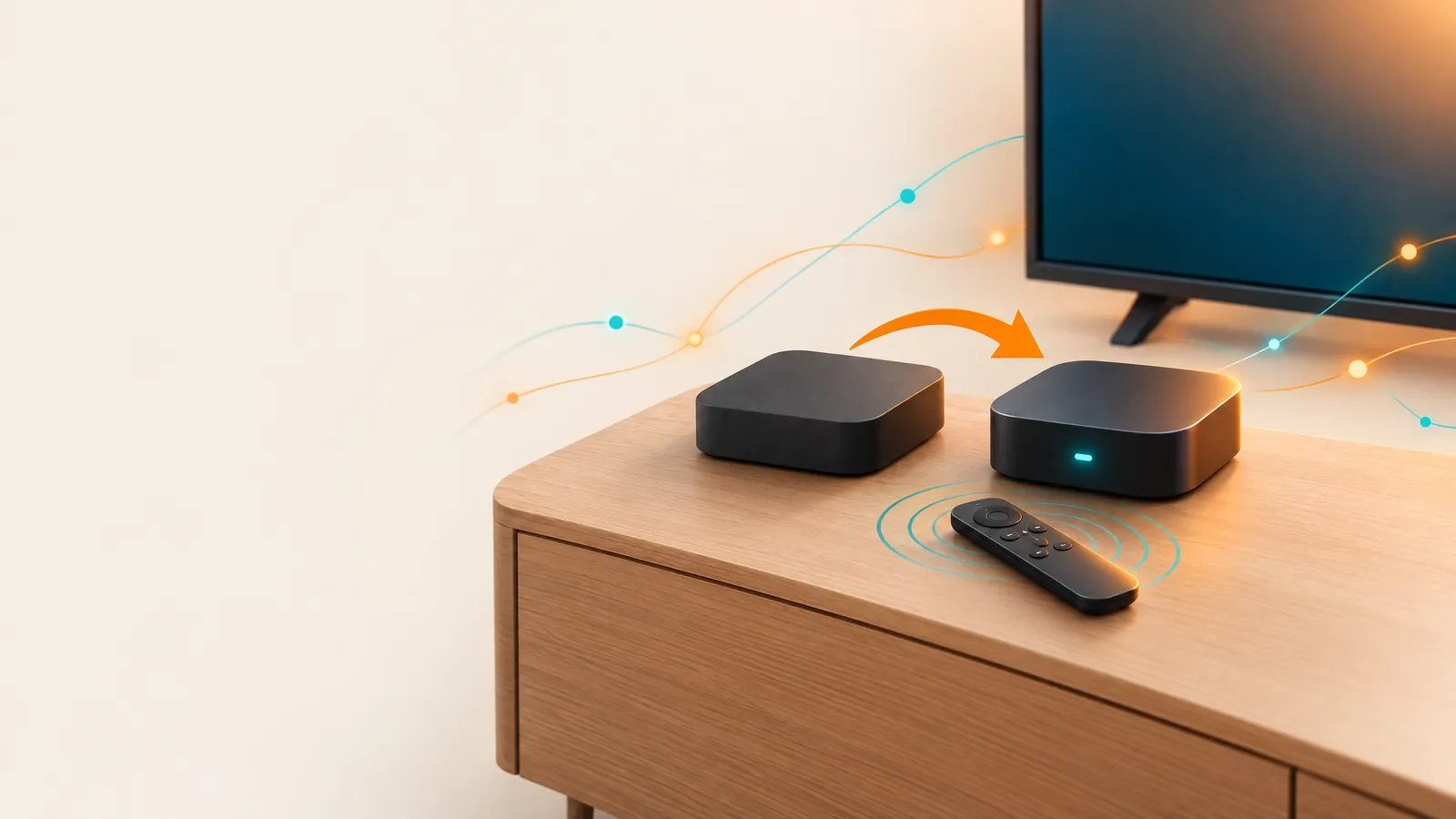
The new Apple TV 4K arrives in stores on Friday, November 13, with an A19 chip, built-in microphones and a Siri Remote you can find with your iPhone. It also costs $299, more than twice what the last model cost at launch. If you already have an Apple TV, the big question is simple: does the new one do enough to replace the box under your TV? This guide compares it with every recent model so you can decide in a few minutes.
Before you start: Prices are Apple’s US prices. Siri AI on Apple TV is a beta, works in English only at launch and needs the home owner’s iPhone or iPad with Apple Intelligence. Apple may change features with future tvOS updates.
The short answer
- Upgrade if you have an Apple TV HD or the first Apple TV 4K (2017). They don’t get Siri AI, and the jump in speed and features is huge.
- Upgrade if you want a four-speaker surround setup with HomePod speakers, or you want to talk to Siri without picking up the remote.
- Keep your Apple TV 4K (2021 or 2022) if you mainly stream shows and movies. Apple says Siri AI is coming to these models too, and Find My already works with their remotes.
- Just lost your remote? You don’t need a new Apple TV. The new Siri Remote is sold separately for $59 and works with older models.
Which Apple TV do you have?
Before you compare, check your model. On your Apple TV, go to Settings > General > About and look at the Model line near the top. You can also find the model number on the bottom of the box.
| Model number | What it is |
|---|---|
| A2843 or A2737 | Apple TV 4K (3rd generation, 2022) |
| A2169 | Apple TV 4K (2nd generation, 2021) |
| A1842 | Apple TV 4K (1st generation, 2017) |
| A1625 | Apple TV HD (2015) |
The 2022 model came in two versions: Wi-Fi with 64GB (A2737) and Wi-Fi + Ethernet with 128GB (A2843). Only the Ethernet version has Thread for smart home accessories, according to Apple.
New Apple TV 4K vs the 2022 and 2021 models
| Apple TV 4K (2026) | Apple TV 4K (2022) | Apple TV 4K (2021) | |
|---|---|---|---|
| Chip | A19 | A15 Bionic | A12 Bionic |
| Storage | 128GB | 64GB or 128GB | 32GB or 64GB |
| Wi-Fi | Wi-Fi 7 | Wi-Fi 6 | Wi-Fi 6 |
| Ethernet | Gigabit | Gigabit (128GB model only) | Gigabit |
| Thread | Yes | 128GB model only | Yes |
| HDR10+ | Yes | Yes | No |
| Dedicated AV1 decoder | Yes | No | No |
| Built-in microphones | 3 far-field mics | None | None |
| Siri AI (beta) | Yes | Coming, per Apple | Coming, per Apple |
| HomePod 4-speaker surround | Yes | No | No |
| Siri Remote in Find My | Yes, with sound and Precision Finding | Yes (tvOS 27.2) | Yes (tvOS 27.2) |
| US price at launch | $299 | $129 (Wi-Fi) / $149 (Ethernet) | $179 (32GB) / $199 (64GB) |
What’s actually new
1. A much faster chip and more efficient streaming
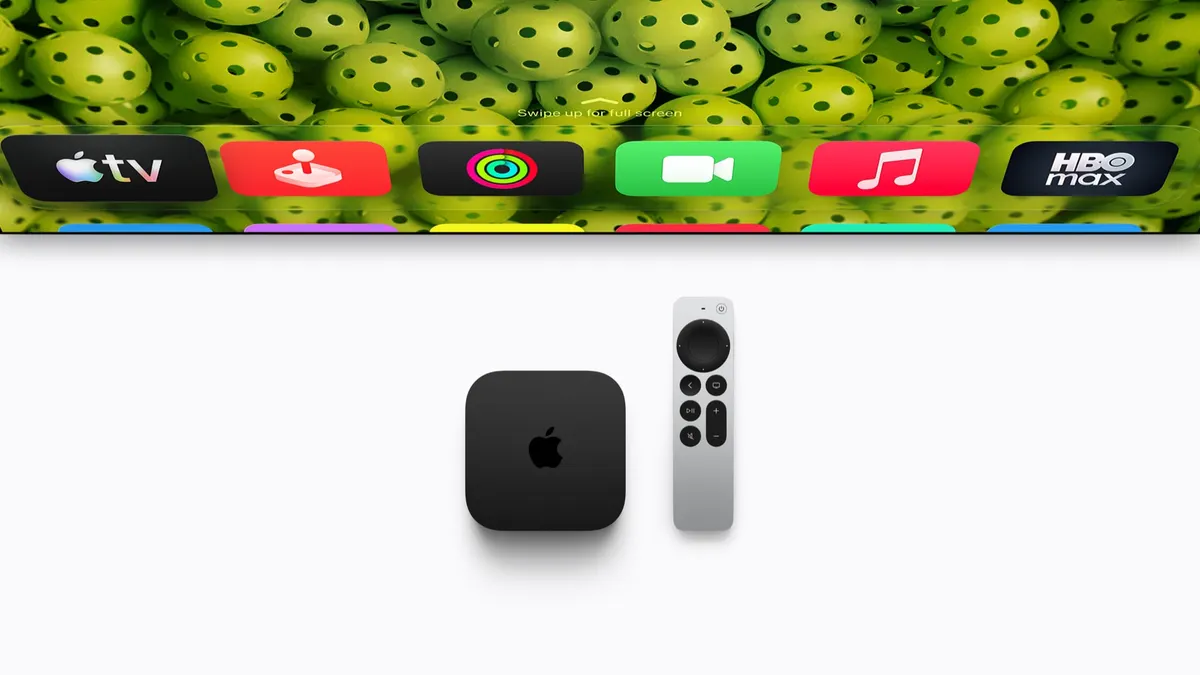
Image: Apple
Apple says the A19 has up to 50% faster CPU performance and up to twice the graphics performance of the previous model’s A15 Bionic. You’ll feel it most when you open apps, scroll menus and play games from Apple Arcade or the App Store.
The new box also has a dedicated AV1 decoder. AV1 is a video format that delivers high-quality streams using less internet data. Apple says this means more efficient streaming with less bandwidth. If your internet is slow or you have a data cap, that’s a small but real plus.
For plain streaming, though, don’t expect a different picture. Both the 2022 and 2026 models play 4K at up to 60 frames per second with Dolby Vision, HDR10+ and Dolby Atmos.
2. Talk to Siri without the remote
The 2026 model is the first Apple TV with built-in microphones. It has three far-field mics with echo cancellation, so you can say “Siri” or “Hey Siri” from the couch, even while a movie is playing. On older models you still hold the Siri button on the remote.
Apple notes that hands-free Siri depends on the language your Apple TV uses. English is supported, along with Mandarin Chinese, Dutch, Finnish, French, German, Hebrew, Norwegian and Swedish. Spanish isn’t on that list yet.
3. Siri AI, but not only on the new box
Siri AI is the new, smarter Siri powered by Apple Intelligence. On Apple TV it answers questions in a small overlay, handles follow-up questions about what you’re watching and controls your smart home.
Here’s the key point for upgraders: Apple says Siri AI comes as a beta to the Apple TV 4K (2nd generation) and later, so your 2021 or 2022 model qualifies. MacRumors reported that tvOS 27.2, released October 26, didn’t yet switch it on for those older models, so the new box may get it first.
Siri AI on Apple TV has some conditions:
- It launches in English in the US and a few other countries.
- The home owner needs an iPhone or iPad with Apple Intelligence, on the latest software, with Siri AI turned on.
- Apple says some server-side features have daily usage limits and may cost a fee in the future.
If your iPhone doesn’t show Siri AI yet, see our guide on how to turn on Siri AI.
4. Surround sound with HomePod speakers
For the first time, you can build a four-speaker surround setup: two HomePods in front and two behind you. Apple says the speakers detect their positions and adjust their timing and volume automatically. You need two pairs of HomePod mini 2 or HomePod (2nd generation) speakers, and each pair has to match: for example, two HomePod speakers in front and two HomePod mini 2 behind. It only works with the new Apple TV 4K.
This is the strongest reason to upgrade if you care about sound. Just remember the cost: four HomePod mini 2 speakers at $149 each come to $596, on top of the $299 box. If you go this route, here’s how to set up HomePod mini 2.

Image: Apple
5. A remote you can actually find
The new Siri Remote looks the same and still charges over USB-C, but it adds a built-in speaker to play a sound and Precision Finding, which points you to the remote with your iPhone. Precision Finding needs an iPhone 17 or later (not the iPhone 17e), iPhone Air or iPhone Duo.
The good news for everyone else: with tvOS 27.2 and iOS 27.2, the Siri Remote (2nd generation or later), the one with the click pad and Siri button on the side, also shows up in the Find My app on your iPhone. Older remotes can’t play a sound, though. MacRumors notes that your remote may need a firmware update after you install tvOS 27.2 before it appears.
To check, open Settings > System > Software Updates on your Apple TV and install tvOS 27.2, then look for your remote in the Find My app on your iPhone.
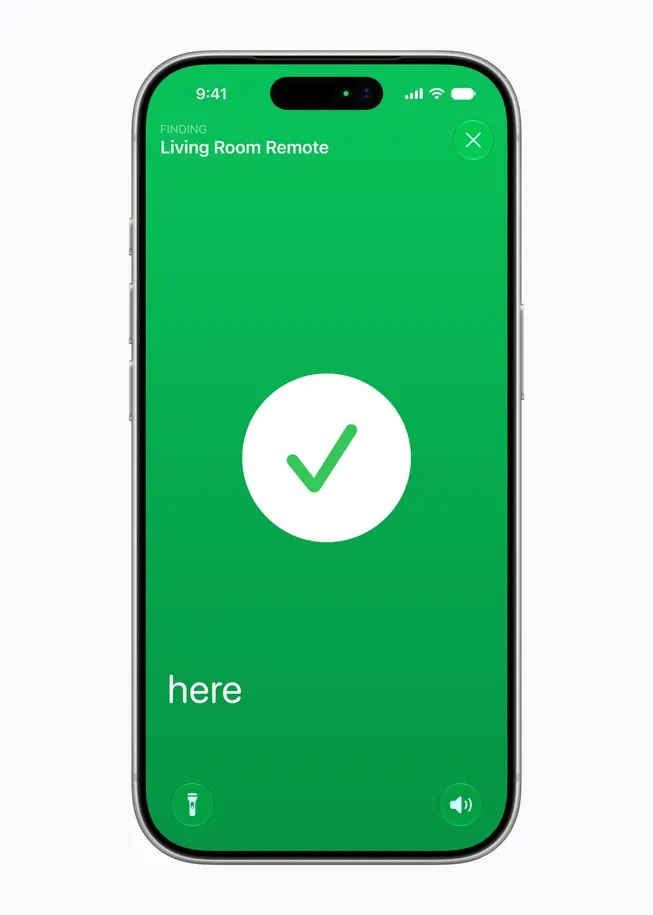
Image: Apple
What stays the same
- Design: same small black box, with the status light now centered on the front.
- Video quality: 4K at up to 60 fps, Dolby Vision, HDR10+ (not on the 2021 model) and Dolby Atmos.
- Smart home hub: all three recent models work as a home hub with Thread (on the 2022 model, only the Ethernet version).
- Apps and services: Apple TV app, Fitness+, Arcade and FaceTime with your iPhone as the camera work on all of them.
How much the new Apple TV 4K costs
There’s one model: $299 with 128GB, Wi-Fi 7 and Gigabit Ethernet. Apple offers Apple Card Monthly Installments at $49.83 a month for six months with 0% APR. The new Siri Remote costs $59 on its own.
Apple’s online store now lists only the new model. You may still find the 2022 version at other retailers. Engadget reports Apple had already raised its price to $199 (Wi-Fi) and $249 (Ethernet) earlier this year, so it isn’t the bargain it once was. Buy it only from a seller you trust, and only if it’s clearly cheaper than $299.
Tip: Black Friday is weeks away. Retailers often discount Apple TV boxes, so if you’re not in a hurry, compare prices before you order.
Is the new Apple TV 4K worth it? Who should buy it
Upgrade now if:
- You have an Apple TV HD or Apple TV 4K (2017). They’re the models left out of Siri AI.
- You want HomePod surround sound and you’re willing to buy four HomePod speakers.
- You want hands-free Siri in English, or you play a lot of games on your Apple TV.
- You’re buying your first Apple TV. The new model is the one Apple sells now.
Keep your current Apple TV if:
- You have the 2021 or 2022 Apple TV 4K and mostly watch streaming apps. Picture quality is the same and Siri AI is coming to your model too.
- You use Siri in Spanish on your TV. Hands-free Siri and Siri AI on Apple TV start in English.
- Your only problem is a remote that keeps disappearing. A $59 remote fixes that.
Still deciding between an Apple TV and Apple’s other home devices? Our comparison of HomeView, HomePod mini 2 and Apple TV 4K explains which one fits your home.
Frequently asked questions
Does the new Siri Remote work with my old Apple TV? Yes. Apple says the new Siri Remote ($59) works with Apple TV HD and every Apple TV 4K. The play-a-sound option is exclusive to the new remote, and Precision Finding also needs a recent iPhone.
Will my 2022 Apple TV 4K get Siri AI? Apple says yes: Siri AI comes as a beta to the Apple TV 4K (2nd generation) and later. It wasn’t switched on for older models with tvOS 27.2, and Apple hasn’t given a date.
Is the picture better on the new Apple TV 4K? Not in a way most people will notice. Both the 2022 and 2026 models play 4K at up to 60 fps with Dolby Vision and HDR10+. The new AV1 decoder mainly helps streams use less data.
Do I need HomePod speakers to use the new Apple TV 4K? No. HomePod speakers are optional. You only need four of them, in two matching pairs, for the new surround sound setup.
Our recommendation
For owners of an Apple TV HD or the 2017 Apple TV 4K, the new model at $299 is a clear upgrade. For owners of the 2021 or 2022 model, it’s a want, not a need: upgrade for HomePod surround, hands-free Siri or gaming, and skip it if you just stream. In that case, install tvOS 27.2, add your remote to Find My and wait for Siri AI to arrive on your current box.
See all our buying guides for more help before the holidays.
Sources
- Apple Newsroom: Apple unveils the new Apple TV 4K, supercharged by Siri AI (Oct. 13, 2026)
- Apple: Apple TV 4K tech specs
- Apple Support: Identify your Apple TV model
- Apple Support: Find your Apple TV model number
- MacRumors: Apple shares tvOS 27.2 release notes
- MacRumors: Older Siri Remotes now show up in Find My with iOS 27.2
- MacRumors: New Apple TV 4K announced
- Engadget: Apple TV 4K 2022 vs. 2026
- 9to5Mac: You can buy the new Siri Remote for your existing Apple TV 4K