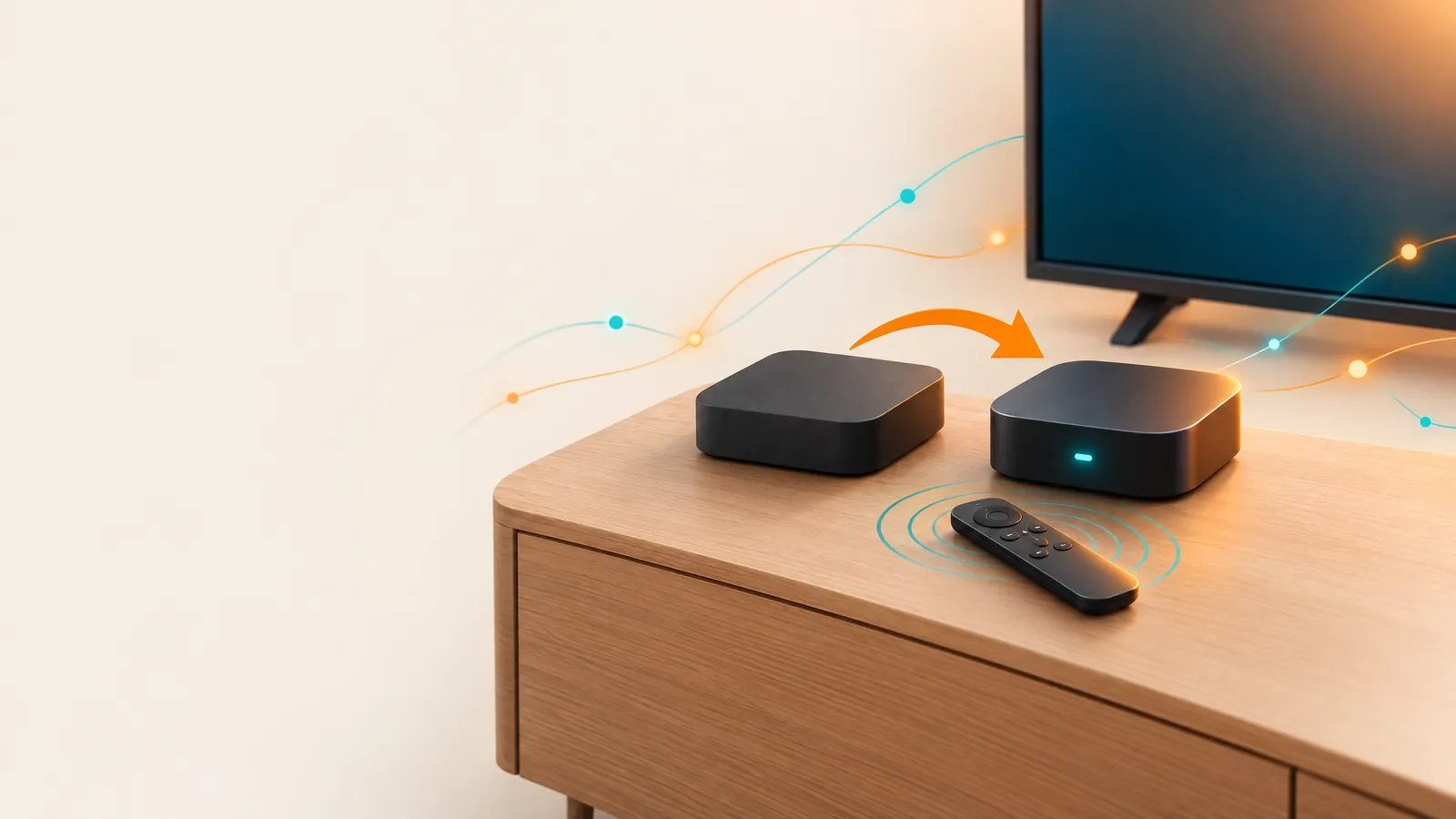

HomeView vs HomePod mini 2 vs Apple TV 4K: Which Home Hub to Buy
Apple launched three home hubs at once. Compare prices, Siri AI timing, cameras and smart home features to pick the right one for your home.
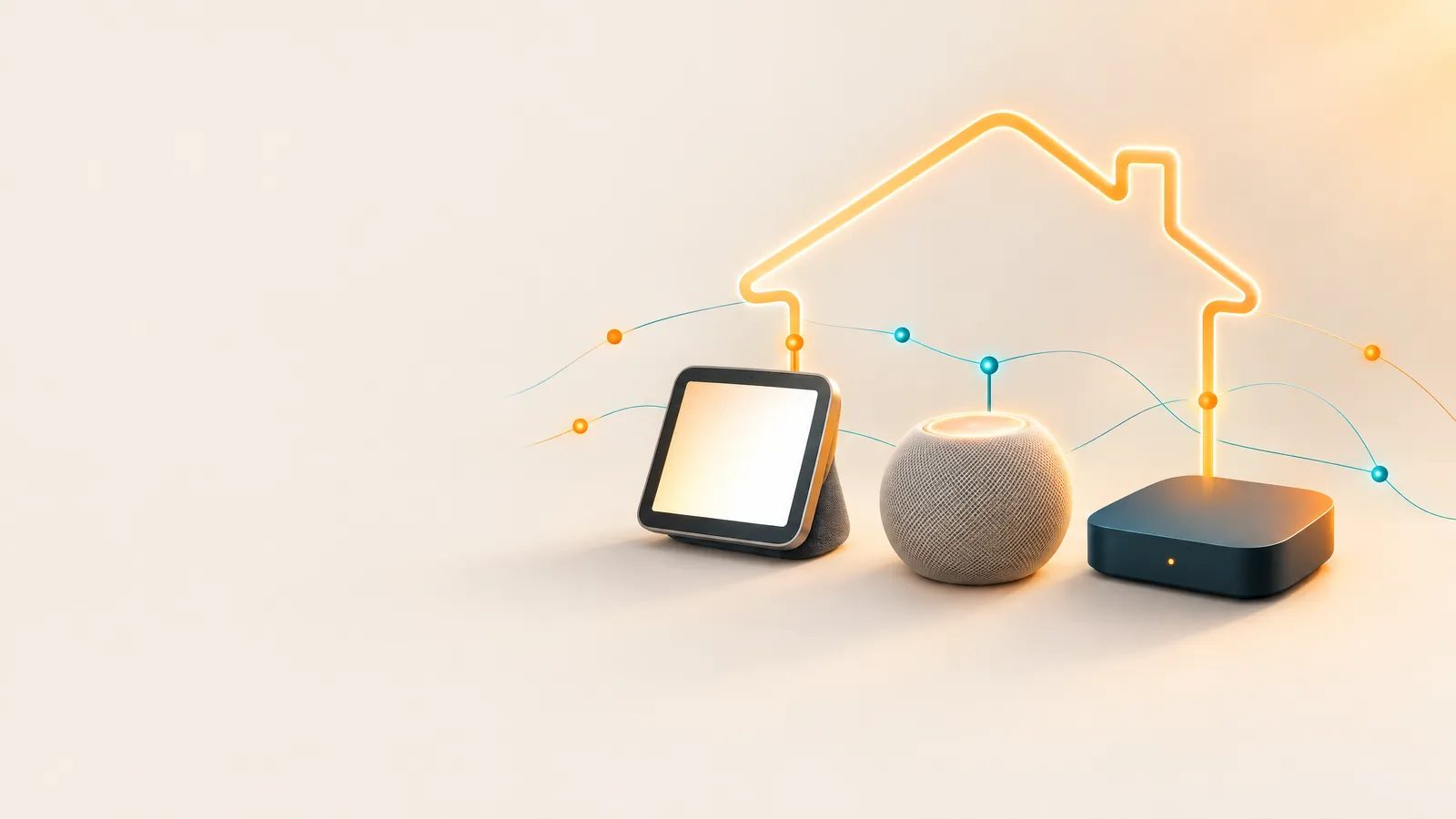
Apple announced three devices for the home on October 13: the new HomeView smart display, the HomePod mini 2 and a new Apple TV 4K. All three can run your smart home, all three are getting Siri AI, and two of them cost the same $299. This guide explains what each one does best, what you need to use it and which one makes sense for your home, so you don’t pay for features you won’t use.
Before you start: none of the three is in stores yet. Prices, dates and features come from Apple’s announcements and tech specs as of October 17, 2026. Siri AI is still labeled a beta, and some details may change before or after launch.
The short answer
- Buy the HomePod mini 2 ($149) if you mainly want music, voice control and a cheap, reliable hub.
- Buy HomeView ($299) if you want a screen in the kitchen or hallway for cameras, video calls, recipes and touch controls.
- Buy the Apple TV 4K ($299) if the hub will live next to your TV and you want a home theater with surround sound.
If you already own a HomePod mini, a HomePod or an Apple TV 4K that works as your home hub, you may not need any of them right now. More on that below.
Prices and release dates
| HomePod mini 2 | HomeView | Apple TV 4K (4th gen) | |
|---|---|---|---|
| US price | $149 | $299 (tabletop or wall-mounted) | $299 |
| Preorders | Open now | Open now | Open now |
| In stores | Friday, October 30 | Friday, November 13 | Friday, November 13 |
| Screen | No (light on top) | 7-inch touch display | Uses your TV |
| Chip | S10 | A18 | A19 |
| Siri AI | Future free update | Beta in software 27.2 | Beta in tvOS 27.2 |
| Thread hub | Yes | Yes | Yes |
| Temperature and humidity sensor | Yes | Yes | No |
The wall-mounted HomeView also costs $299, but it needs a Schneider Home mount sold separately: from $59.95 for the USB-C version and from $79.95 for the wired AC version. A Power over Ethernet mount, from $129.95, is planned for early 2027.
The original HomePod mini is no longer sold by Apple. MacRumors reports that its last price was $129 after an increase in June 2026.
HomePod mini 2: the budget hub that sounds better
The HomePod mini 2 keeps the small round design and comes in white, pink, green, blue and midnight. Apple’s spec sheet lists an S10 chip, Wi-Fi 6E, Bluetooth 6, Thread, an Ultra Wideband chip and a built-in temperature and humidity sensor.
What’s new for you:
- Sound Glow. The top lights up and pulses with the music, with colors based on the album art.
- Recognizes up to six voices in the household, so Siri can answer each person.
- Four-speaker surround with the new Apple TV 4K, using two pairs (front and rear).
- Mac speaker. It can work as the speaker for a Mac with Wi-Fi 6E or later, alone or as a stereo pair.
- Smoke and CO alarm alerts. Sound Recognition listens for those alarms and sends a notification to your iPhone, iPad or Apple Watch. Apple says not to rely on it in an emergency.
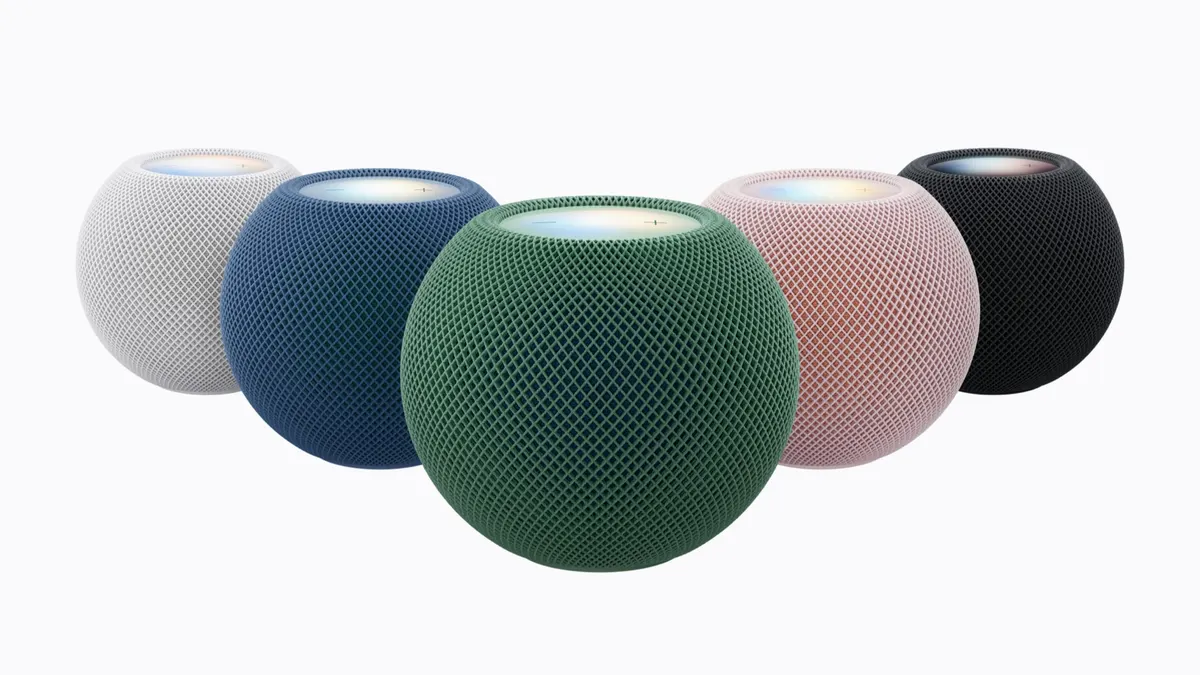
Image: Apple
The catch: Siri AI isn’t there on day one. Apple says it will come in a future free software update, in English, and doesn’t give a date. MacRumors also notes the new model has three microphones instead of four.
If you already ordered one, our guide on how to set up HomePod mini 2 walks through setup, common errors and stereo pairs.
Best for: anyone who wants a hub at the lowest price, a speaker in a bedroom or office, or a pair of rear speakers for a home theater.
HomeView: the hub with a screen
HomeView is Apple’s first smart display. It has a 7-inch Liquid Retina screen on a hinge that tilts, sitting on a speaker base. The tabletop model comes in silver, starlight, rose pink and space gray; the wall-mounted model in space gray or silver.

Image: Apple
What it does that the other two can’t:
- Recognizes up to six people by face, and each one gets a personal Home Screen. Messages, Calendar and Reminders only show for the person recognized.
- Shows up to nine camera feeds at once with the Home Camera face.
- FaceTime with Center Stage using a 12MP camera, plus Intercom to other rooms.
- Kitchen help. It turns web recipes into step-by-step instructions, with hands-free timers.
- Touch controls for lights, locks, thermostats and blinds, including Matter accessories.
It also plays Apple Music, Podcasts and the Apple TV app, works with AirPlay speakers and has a temperature and humidity sensor.
Things to know before you buy:
- Siri AI is a beta in HomeView software 27.2, in English only at launch.
- Camera features like recognizing people, pets, packages and vehicles need an iCloud+ plan.
- Setup needs an iPhone or iPad on the latest software.
Best for: families who share a kitchen, anyone with several security cameras and people who want video calls without picking up a phone.
Apple TV 4K: the hub that’s already in your living room
The new Apple TV 4K uses an A19 chip and comes with 128GB of storage. Apple says the CPU is up to 50% faster and the GPU up to twice as fast as the previous model. It has HDMI 2.1, Gigabit Ethernet, Wi-Fi 7 and Thread.
What’s new:
- Three far-field microphones, so you can say “Hey Siri” without the remote.
- Siri AI with full-screen answers and follow-up questions (beta in tvOS 27.2).
- Four-speaker surround with HomePod mini 2 or HomePod (2nd generation) speakers.
- Find My for the Siri Remote, so you can locate a lost remote. The play-a-sound option only works with the newest remote.
- Camera summaries in the Home app (needs iCloud+) and doorbell alerts on the TV.
Apple doesn’t list a temperature sensor or the doorbell chime for the Apple TV 4K, so it can’t feed a thermostat with room readings the way the other two can.
If several people share the TV, our guide on Apple TV app profiles on iPhone and iPad shows how to give each person their own watchlist and set up a kid profile. Profiles you create there also show up on an Apple TV 4K.
Best for: anyone who already streams on an Apple TV, wants surround sound or prefers a hub plugged into Ethernet next to the router.
Which one for the new Apple Home Collection accessories?
Apple also announced the Apple Home Collection: cameras, a video doorbell, a smart deadbolt and thermostats made by LG and Schneider Electric, arriving in December. They need a home hub for their extra features, and Apple lists HomeView, HomePod, HomePod mini and Apple TV 4K.
There are two differences worth knowing:
- Doorbell chime. Apple lists HomeView, HomePod and HomePod mini to play the doorbell sound. The Apple TV 4K shows an alert on your TV instead.
- Room temperature. HomeView, HomePod and HomePod mini can share their temperature and humidity readings with the new thermostats. The Apple TV 4K can’t.
If you’re planning a doorbell or thermostat from the collection, a HomePod mini 2 or HomeView covers everything.
Do you even need a new hub?
Maybe not. Apple says Siri AI on Apple TV comes to the Apple TV 4K (2nd generation or later) with tvOS 27.2, so an Apple TV you already own also gets the new Siri. Older HomePod and HomePod mini models keep working as home hubs too. If you’re weighing whether to replace an older Apple TV anyway, our guide on the new Apple TV 4K vs the 2022 and 2021 models compares them side by side.
To see which device is running your home right now:
- Open the Home app on your iPhone.
- Tap More (the three dots), then Home Settings.
- Tap Home Hubs & Bridges. The active hub appears at the top.
If you have more than one hub, you can turn off Automatic Selection on that screen to pick the one you prefer, for example a new Apple TV connected by Ethernet.
Keep in mind that Siri AI on these devices has some requirements: the home owner needs an iPhone or iPad with Apple Intelligence and Siri AI turned on to get personal context, and Apple says server-side features have daily usage limits.
Our recommendation
For most homes, the HomePod mini 2 at $149 is the smart buy: it’s the cheapest, ships first, works as a full hub with Thread and a temperature sensor, and sounds better than the original. Just don’t buy it for Siri AI alone, since Apple hasn’t said when it arrives.
Spend $299 on HomeView only if you’ll use the screen every day for cameras, calls or recipes. And choose the Apple TV 4K if the hub goes next to your TV; pair it later with HomePod mini 2 speakers for surround sound. If you already have a working hub, wait for real-world reviews after November 13 before upgrading.
Sources
- Apple Newsroom: Meet Apple HomeView
- Apple Newsroom: Apple announces the next generation of HomePod mini
- Apple Newsroom: Apple unveils the new Apple TV 4K
- Apple Newsroom: Introducing Apple Home Collection
- Apple: HomePod mini 2 tech specs
- Apple: Apple TV 4K tech specs
- Apple: HomeView tech specs
- Apple Support: Set up a home hub
- MacRumors: HomePod mini vs. HomePod mini 2 buyer’s guide
- MacRumors: HomePod mini 2, all the new features
- The Mac Observer: Which hub suits Apple Home Collection