

M6 vs M5 MacBook Pro: Upgrade or Buy the M5?
The new 14-inch MacBook Pro with M6 costs $1,999, same as the M5. See every real difference, who should upgrade and when a discounted M5 is the smarter buy.

Apple announced the 14-inch MacBook Pro with M6 on October 27, and it replaces the M5 model at the same $1,999 starting price. On the outside, nothing changed. Inside, you get a faster chip, Wi-Fi 7 and a much stronger Neural Engine for AI. This guide lists every real difference, explains who should upgrade, and shows when a discounted M5 is the smarter way to spend your money.
Before you start: prices are Apple’s US prices as of October 29, 2026. Performance numbers are Apple’s own claims from its announcement; independent tests will arrive after the laptop goes on sale on November 6. Store discounts on the M5 change daily, so check them before you buy.
The short answer
- Own an M5 MacBook Pro? Keep it. The M6 has the same design, display, ports, battery rating and memory options. The gains are real but modest.
- Own an M1 or an Intel MacBook? The M6 is a big jump. Apple says graphics are up to 11 times faster than the M1 MacBook Pro, and battery life is up to 4 hours longer (up to 14 hours longer than Intel models).
- Buying new and choosing between the two at the same price? Pick the M6.
- Found an M5 at least $300–$400 cheaper? For most people, the discounted M5 is the better value.
What’s new in the M6 MacBook Pro
According to MacRumors, the M6 is built on TSMC’s 2-nanometer process, a step down from the M5’s 3 nanometers. Apple’s announcement focuses on four upgrades.
1. More cores. The CPU goes from 10 to 12 cores and the GPU from 10 to 12 cores. Apple says graphics are up to 30% faster than the M5, and that the M6 compiles Xcode projects up to 1.3 times faster.
2. A much faster Neural Engine. The M6 has what Apple calls a “Dual 16-core Neural Engine,” up to 1.9 times faster than the M5. Apple claims on-device AI tasks, such as running a large language model on your Mac, are up to 25% faster. This matters if you use Siri AI, Writing Tools and other Apple Intelligence features a lot, or run AI models locally.
3. Wi-Fi 7 and Bluetooth 6. The M5 model had Wi-Fi 6E. Wi-Fi 7 only helps if your router supports it, so most people won’t notice the difference at home today.
4. More memory bandwidth on bigger configurations. Apple lists up to 170GB/s. MacRumors reports that the bump applies to the 24GB and 32GB versions, while the 16GB model stays at the M5’s 153GB/s.
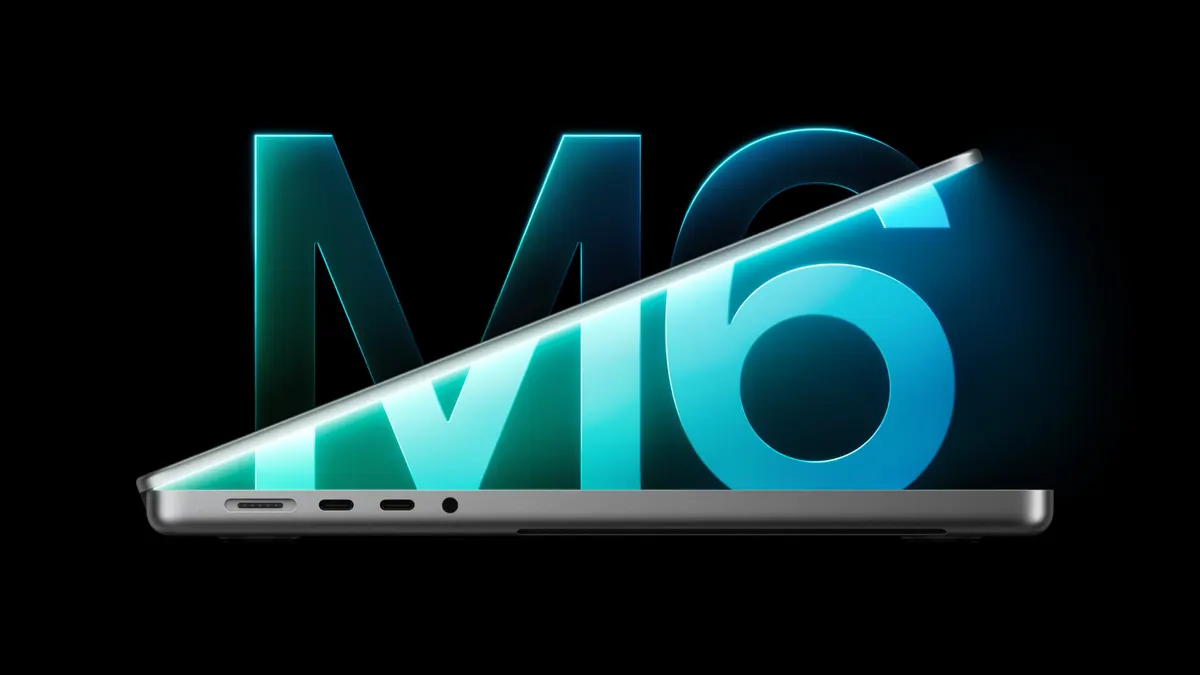
Image: Apple
M6 vs M5 MacBook Pro: side by side
| 14-inch MacBook Pro M5 (2025) | 14-inch MacBook Pro M6 (2026) | |
|---|---|---|
| Starting price today | $1,999 (Apple’s price since June 2026) | $1,999 ($1,899 education) |
| CPU | 10 cores | 12 cores |
| GPU | 10 cores | 12 cores, up to 30% faster graphics |
| Neural Engine | 16 cores | Dual 16-core, up to 1.9x faster |
| Memory | 16GB base, up to 32GB | 16GB base, up to 32GB |
| Base storage | 1TB | 1TB |
| Wi-Fi / Bluetooth | Wi-Fi 6E / Bluetooth 5.3 | Wi-Fi 7 / Bluetooth 6 |
| Battery (Apple rating) | Up to 24 hours | Up to 24 hours |
| Display | 14-inch Liquid Retina XDR, up to 1600 nits HDR | Same |
| Ports | 3 Thunderbolt, HDMI, SDXC, MagSafe 3, headphone jack | Same |
| Colors | Space black, silver | Space black, silver |
In short, if you put both laptops side by side, you couldn’t tell them apart. Everything you see and touch is the same. The difference is the chip and the wireless.
What did not change
This is the part that decides most upgrades. According to Apple’s announcement and MacRumors’ comparison, the M6 model keeps:
- The same design and colors (space black and silver), with a 100% recycled aluminum enclosure.
- The same Liquid Retina XDR display, up to 1600 nits peak HDR brightness, with the optional nano-texture glass (+$150).
- The same ports: three Thunderbolt 4 ports, HDMI, an SDXC card slot, MagSafe 3 and a headphone jack.
- The same 12MP Center Stage camera and six-speaker sound system.
- The same battery rating: up to 24 hours.
- The same memory ceiling: 32GB. If you need more, you have to step up to a model with an M5 Pro or M5 Max chip.
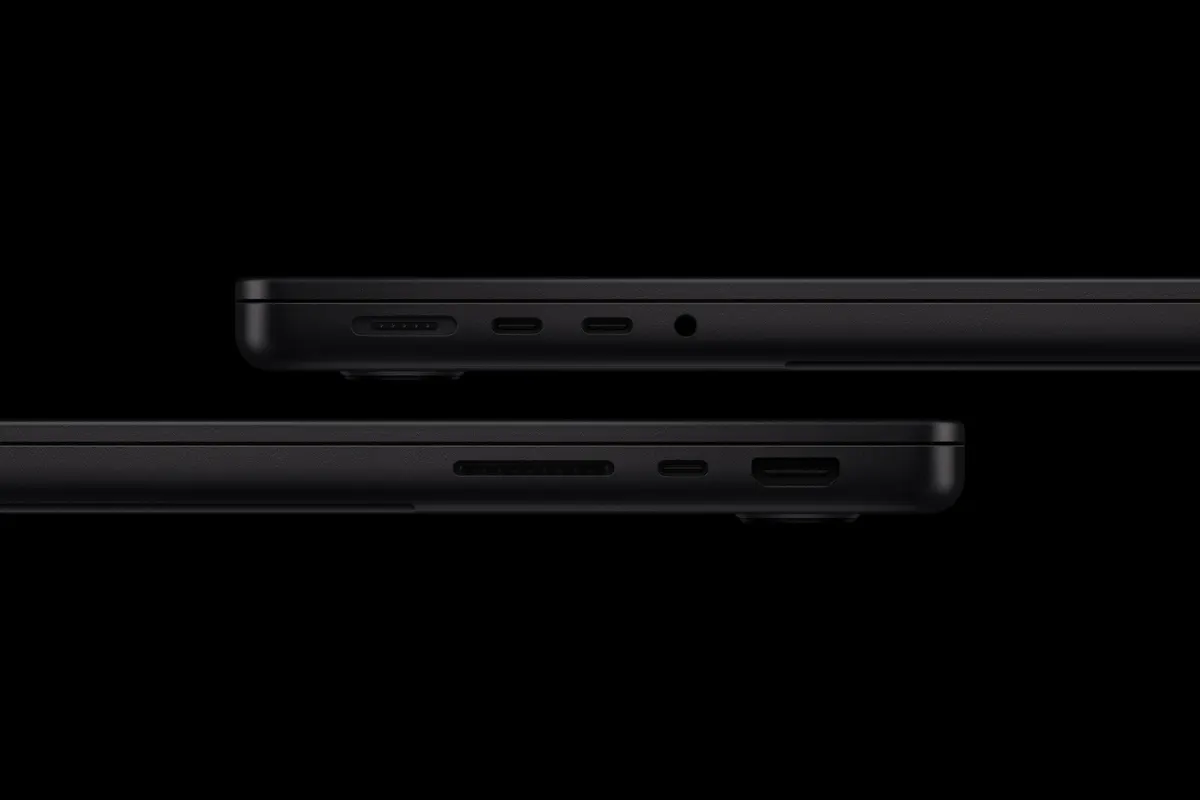
Image: Apple
How much the M6 MacBook Pro costs
Apple’s US prices for the 14-inch MacBook Pro with M6:
| Option | Price |
|---|---|
| Base model (16GB memory, 1TB storage) | $1,999 |
| Education price | $1,899 |
| 24GB memory | +$200 |
| 32GB memory | +$400 |
| 2TB storage | +$500 |
| 4TB storage | +$1,500 |
| Nano-texture display | +$150 |
| Apple Upgrade lease (via Klarna) | From $38.99/month for 36 months |
Pre-orders opened on October 28 at apple.com and in the Apple Store app. Deliveries and in-store availability start on Friday, November 6. Apple also offers 0% APR monthly installments with Apple Card in the US and trade-in credit for your old computer.
About the price: the 14-inch MacBook Pro launched in October 2025 at $1,599 with the M5 and 512GB of storage. In 2026 Apple dropped the 512GB version and raised prices twice; the last increase, on June 25, took the base model to $1,999. The M6 simply keeps that price. If you were waiting for the new chip to bring the price back down, it didn’t.
Should you upgrade? It depends on your current Mac
You have an M5 MacBook Pro
Don’t upgrade. You’d pay $1,999 for two extra CPU and GPU cores, a faster Neural Engine and Wi-Fi 7, on a laptop that looks, feels and lasts the same as yours. Trade-in values for a one-year-old laptop rarely cover enough of the gap to make sense.
You have an M3 or M4 MacBook Pro
Probably wait. Your Mac already runs macOS 27 and Apple Intelligence. The M6 is faster, but unless you edit video, build apps or run AI models locally every day, you won’t feel a big difference. If your Mac feels slow after updating, try the fixes in our guide to a Mac that’s slow after the macOS 27 update first.
You have an M1 or M2 MacBook
This is where the M6 shines. Compared with the M1 MacBook Pro, Apple says the M6 model offers up to 11 times faster graphics, up to 13 times faster AI performance and up to 4 more hours of battery life. You also get one more Thunderbolt port than the 13-inch M1 MacBook Pro, plus HDMI and an SD card slot. Apple Intelligence also takes a lot of disk space, so the 1TB base storage helps (see how much space AI takes on a Mac).
You have an Intel MacBook
Upgrade. Apple says you’ll get up to 14 more hours of battery life, and Intel Macs can’t run Apple Intelligence at all. Any Apple silicon Mac is a huge step up; the M6 just adds the most headroom for the next five to seven years.

Image: Apple
Buying new: M6 at full price or a discounted M5?
Now that the M6 is out, stores are clearing out M5 stock. Here’s a simple rule:
- Same price (or less than about $200 apart): buy the M6. You get a newer chip, Wi-Fi 7 and, being a year newer, likely a longer run of macOS updates.
- M5 at least $300–$400 cheaper: buy the M5, unless you edit video, play games or run AI models locally. For email, web, school, office work and Apple Intelligence, the M5 is more than enough.
- Make sure the M5 has 1TB. Older M5 units with 512GB were sold until March 2026. They’re fine if you keep most files in iCloud, but compare prices with the right storage.
You can also check the Apple Certified Refurbished store, which sometimes lists earlier MacBook Pro models with a full one-year warranty. Stock varies day to day.
What about the new OLED MacBook Pro?
One day after the M6 model, on October 28, Apple announced a different MacBook Pro with a “PROLED XDR” display. It’s a separate, much more expensive line, not an upgraded M6:
- It uses the M5 Pro or M5 Max chip, not the M6.
- It comes in 14-inch and 16-inch sizes, with an OLED screen of up to 2000 nits and, for the first time on a Mac, touch input.
- It goes up to 128GB of memory and 16TB of storage.
- It starts at $2,899 (14-inch, M5 Pro) and reaches $4,799 (16-inch, M5 Max). It also ships on November 6.
If you edit pro video, work with huge photo libraries or need more than 32GB of memory, look at that model. For everyone else, the $1,999 M6 model is the sensible MacBook Pro.
What about the MacBook Air?
If you mostly browse, write, video call and use Apple Intelligence, you may not need a MacBook Pro at all. After June’s price changes, the 13-inch MacBook Air starts at $1,299 and the 15-inch at $1,499. The Pro adds a brighter display, more ports, speakers and fans for long heavy tasks. If you can’t name a task that needs those, the Air saves you $700.
Our recommendation
The M6 MacBook Pro is a good laptop with a boring update, and that’s fine. If you’re coming from an Intel or M1 Mac, buy the M6: same price as the M5, more speed for AI, and it should be supported for years. If you already have an M4 or M5, keep your money. And if you find an M5 with 1TB at least $300 off, that’s the best deal in the MacBook Pro lineup right now.
Sources
- Apple Newsroom: Apple introduces the new 14-inch MacBook Pro with M6
- Apple Newsroom: Apple unveils groundbreaking MacBook Pro with PROLED XDR display
- MacRumors: M5 vs. M6 MacBook Pro Buyer’s Guide
- Daring Fireball: Apple introduces new base MacBook Pro with M6
- 9to5Mac: Apple announces significant price increases for MacBooks, iPads, more